How to make a CV with CVGlobe
- Pick a template. Start with an ATS-optimised template if you apply through job portals, or a Designer template if you send your CV straight to a person. You can change it at any time and your text stays.
- Add your details, or import your old CV. Type into the form, or upload a PDF, Word (.docx) or text file and CVGlobe fills in the form for you. The preview updates as you type and shows the real pages of your PDF.
- Choose where you're applying. US, UK, Europe or GCC. CVGlobe sets the paper size, hides details that recruiters there don't expect, such as a photo or date of birth, and names the file the way they expect.
- Match it to a job post. Paste the job ad into Job match. You see which keywords from the ad are missing from your CV, plus checks for length, dates, weak verbs and spelling.
- Download it. Get a PDF with real, selectable text, or a Word file if the employer asks for one. Sign in with your email to download. There's no password, just a code we send you.
Start from a template
Every template below is a real CVGlobe template, shown with a sample CV. Click one to open it in the CV maker.
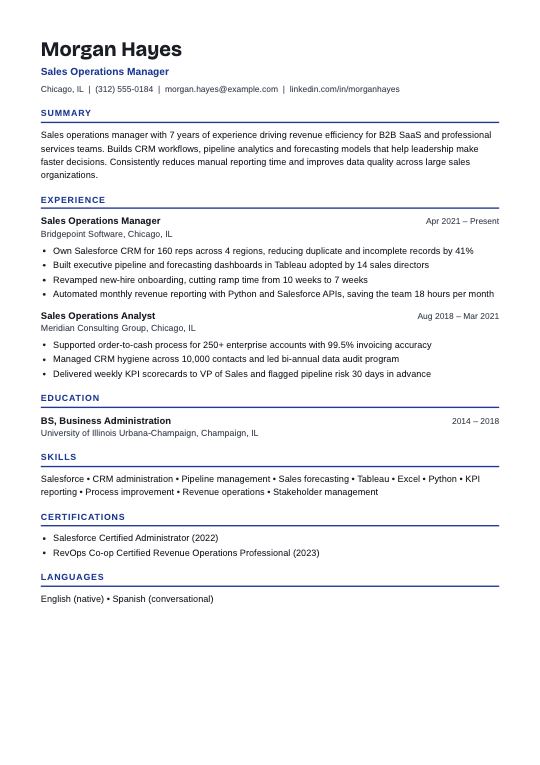
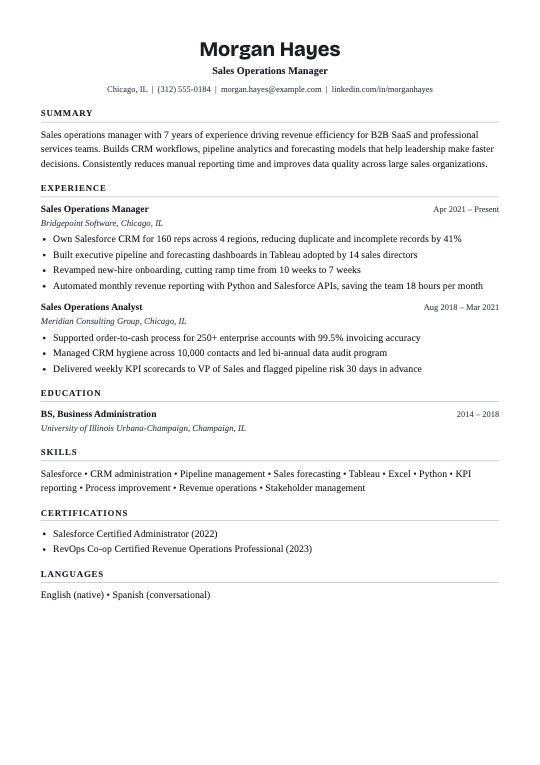
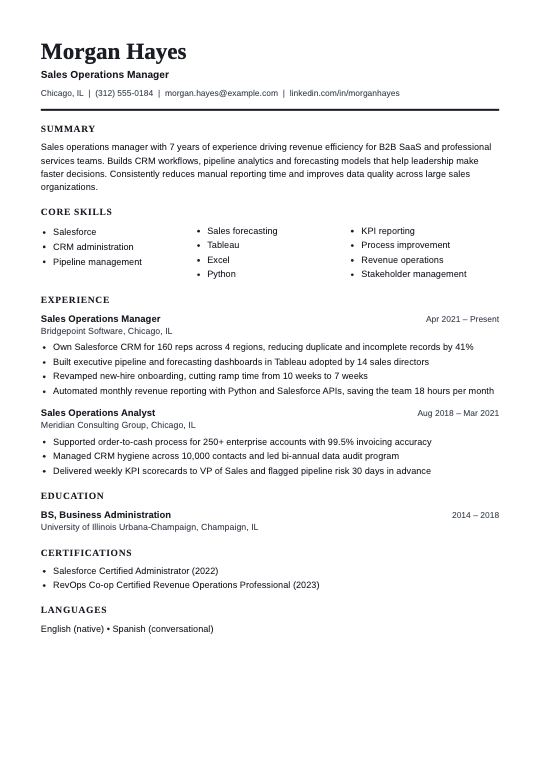
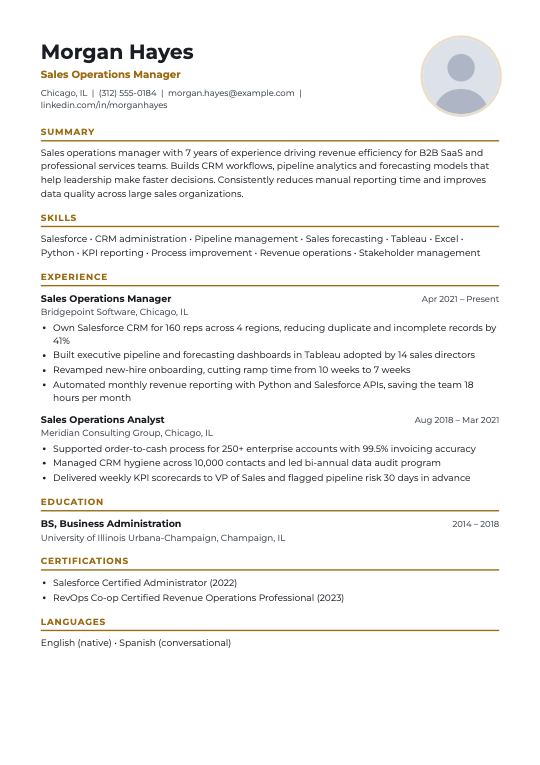
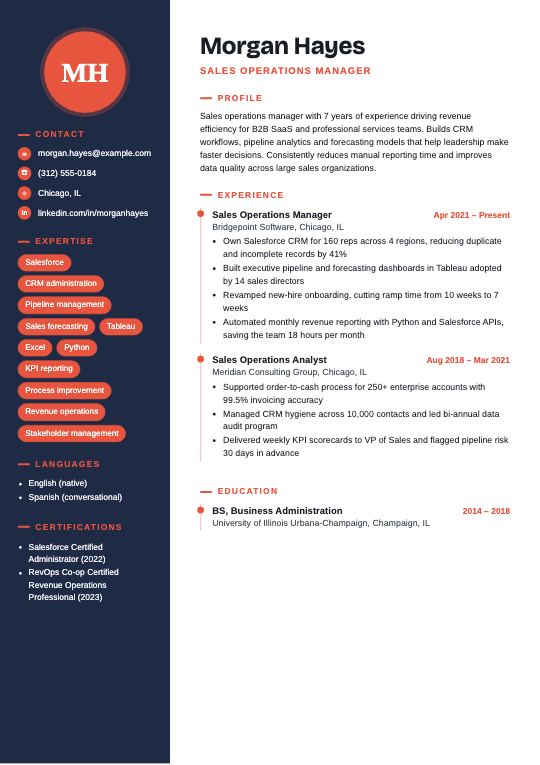
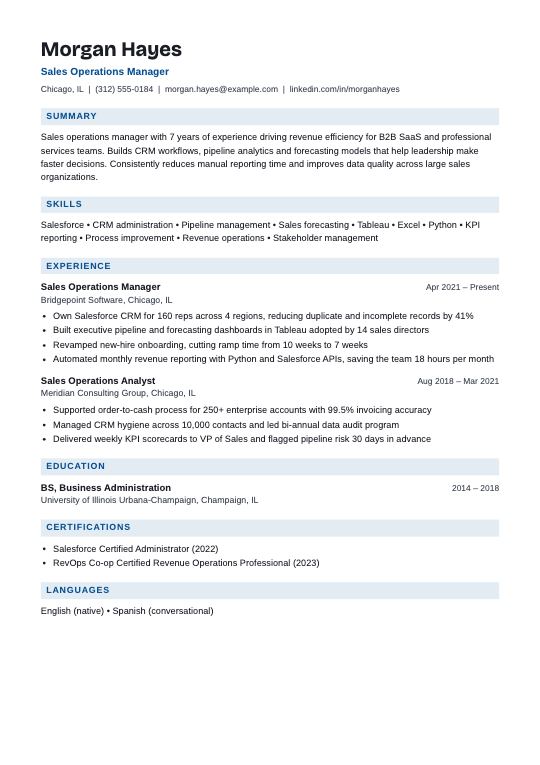
See how to choose a CV template or browse all 89.
What to put on your CV
Most CVs that get interviews follow the same order. CVGlobe's form follows it too, so you don't have to think about layout.
- Contact details. Name, job title, phone, email, city and LinkedIn. In the UAE and GCC you can add nationality, visa status and notice period from the "+ Field" chips.
- Summary. Two to four lines: who you are, how many years in which field, and one result you're proud of.
- Work experience. Newest job first. Job title, company, city, dates, then three to six bullet points that start with a verb and show a result, ideally a number.
- Education. Degree, school and year. Put it above experience only if you graduated in the last year or two.
- Skills. The tools, methods and qualifications the job asks for, written the same way the job post writes them.
- Certifications and languages. One per row, with the level for each language.
Need help with the wording? See CV examples by job, with summaries and bullet points for accountants, nurses, engineers, teachers and more, or how to write strong CV bullet points.
Why an ATS-friendly CV matters
Most large employers collect applications in an applicant tracking system (ATS). The software reads your CV, pulls out your job titles, dates and skills, and ranks you against the job post. If it can't read your CV, a recruiter may never see it, however good your experience is.
The usual problems are two-column layouts that get read in the wrong order, text inside images or text boxes, unusual headings and missing keywords. CVGlobe's ATS-optimised templates use one column, standard headings and real text in the PDF, and Job match shows you the keywords to add. Read more in how an ATS reads your CV.
What you get for free
- All 89 templates: ATS-optimised, Designer and Photo layouts.
- PDF and Word downloads with no watermark.
- CV import from PDF, Word or text.
- Job match: missing keywords and checks against any job post.
- A cover letter that uses the same design as your CV.
- AI writing help for your summary, bullet points and cover letter, with a daily limit.
- Arabic CVs, written right to left, with a separate English copy.
- Your CVs saved to your account, encrypted, so you can open them on any device.
Tips before you send it
- Keep it short. One page if you have under ten years of experience, two pages after that. The page count shows above the preview.
- Send a PDF unless the job post asks for Word. CVGlobe PDFs contain real text, so an ATS reads them like a Word file.
- Tailor it for each job. Change your title, summary and the order of your skills to match the post. It takes five minutes and makes a big difference.
- Check the dates. Use the same format everywhere, and explain gaps longer than six months in one line.
- Name the file well, such as
Sara_Ahmed_CV.pdf. CVGlobe does this for you.
Questions about the CV maker
Is this CV maker really free?
Yes. All templates, PDF and Word downloads, CV import, Job match and the cover letter builder are free. There's no watermark and no trial that runs out.
Do I need an account?
You can build and preview your CV without one. To download it or use AI writing, sign in with your email. We send you a code, so there's no password to remember.
Can I make a CV on my phone?
Yes. CVGlobe works in any phone browser, and the form, preview and downloads are made for small screens. An Android app is in testing.
Can I edit my CV later?
Yes. When you're signed in, your CVs are saved to your account. Open one from My CVs, change it and download it again.
Can I make a CV with no experience?
Yes. Choose a template made for graduates, put Education first, and add projects, internships, volunteering and part-time jobs as experience. Focus on skills the job post asks for.